New ruleIngredients, allergens and calories become mandatory on menus in Türkiye. See what you need to do
QR menu for restaurants, cafes and bars

A menu that whets the appetite.
And is easy to manage.

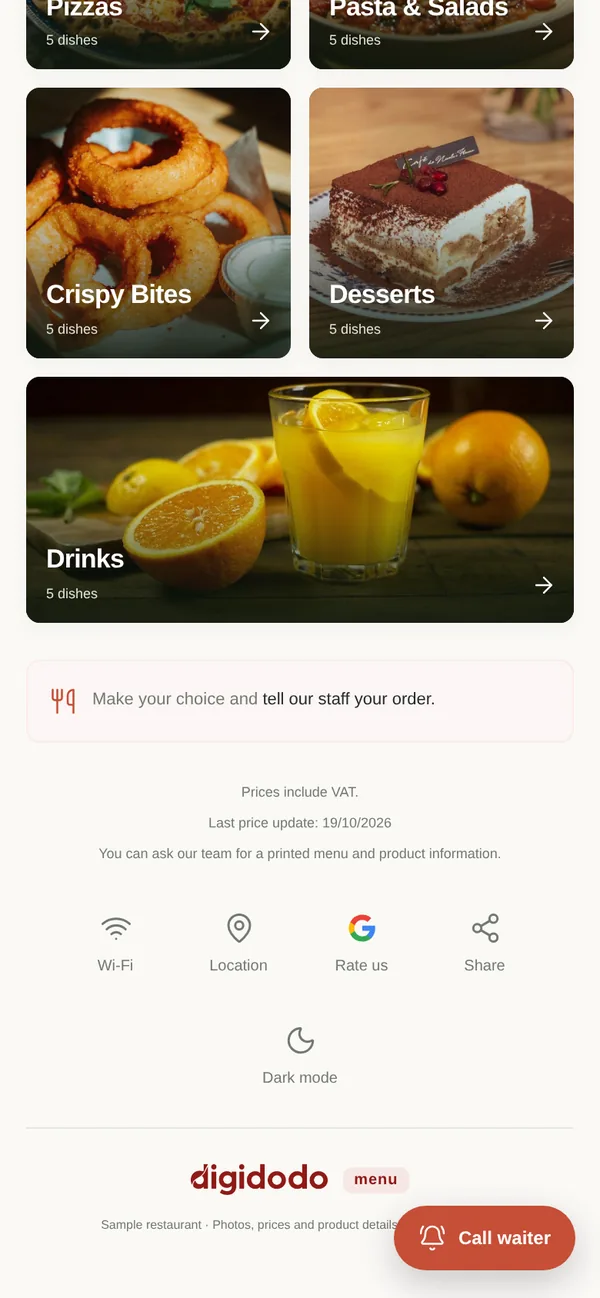
Let customers browse your items with photos, prices and ingredients. You update your menu from a single panel.

  • No app to download
  • Your QR code stays the same
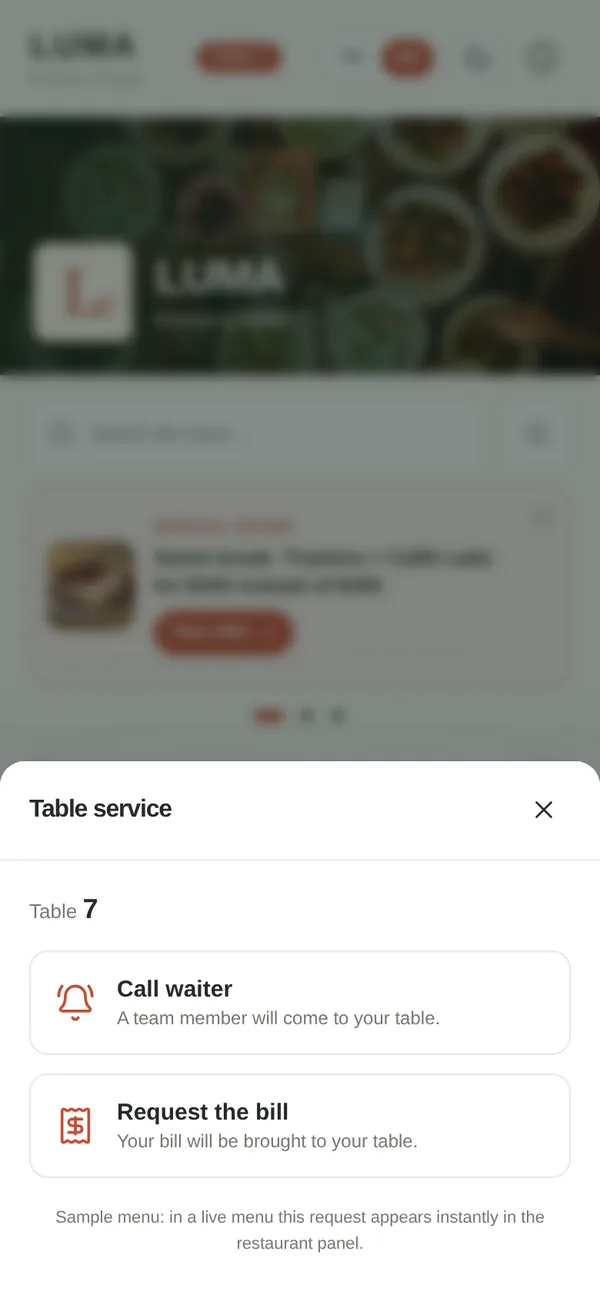
  • Call the waiter and ask for the bill
Who is it for?
  • Restaurants
  • Cafes
  • Bars and meyhanes
  • Patisseries and dessert shops
  • Tea gardens
  • Hotel restaurants and room service
100+

We’ve worked with 100+ businesses.

As Digidodo, we provide photography, video and social media services to restaurants, cafes and beauty businesses. A few of them:

  • Paula Coffee & Croissant
  • Sahil Papalinna Balık
  • Sahil Restaurant
  • ÜÇEL
For your customers

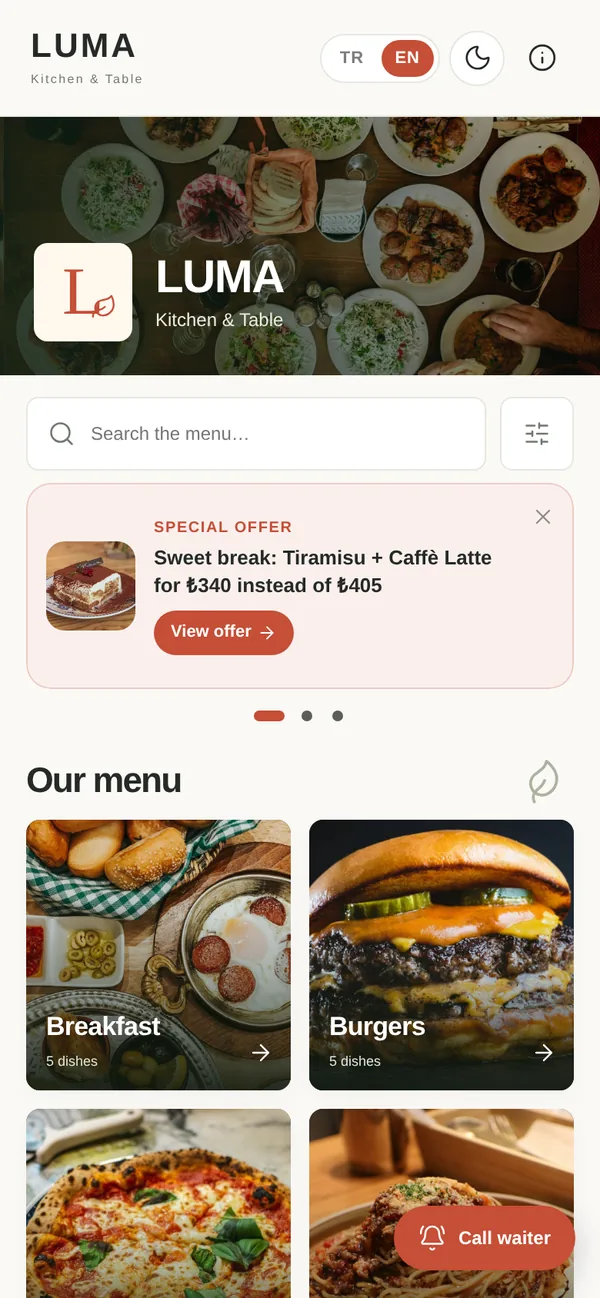
Customers see what they’re ordering before they choose.

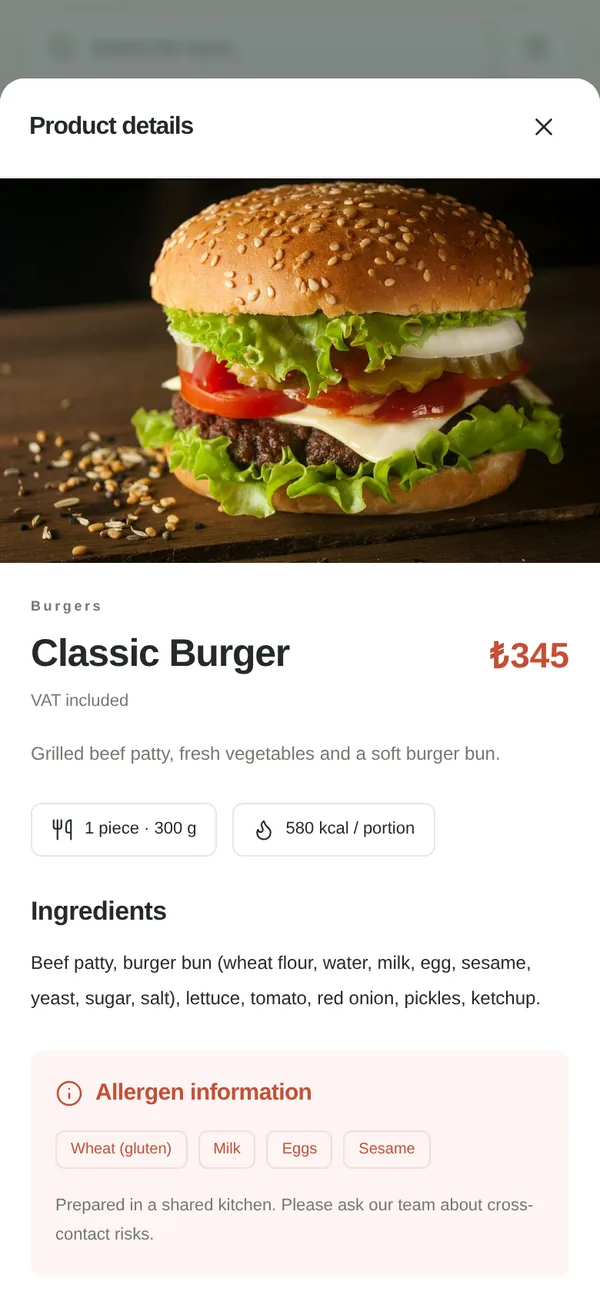
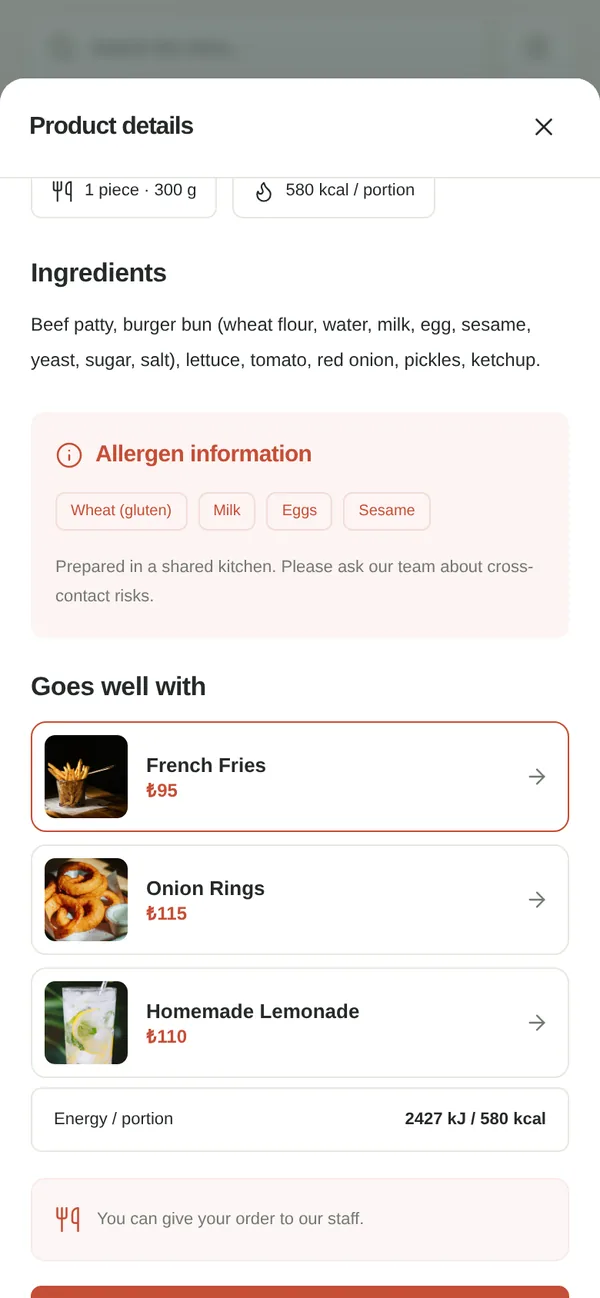
  • Photo, price and ingredients togetherIngredients, allergens and portion on one screen.
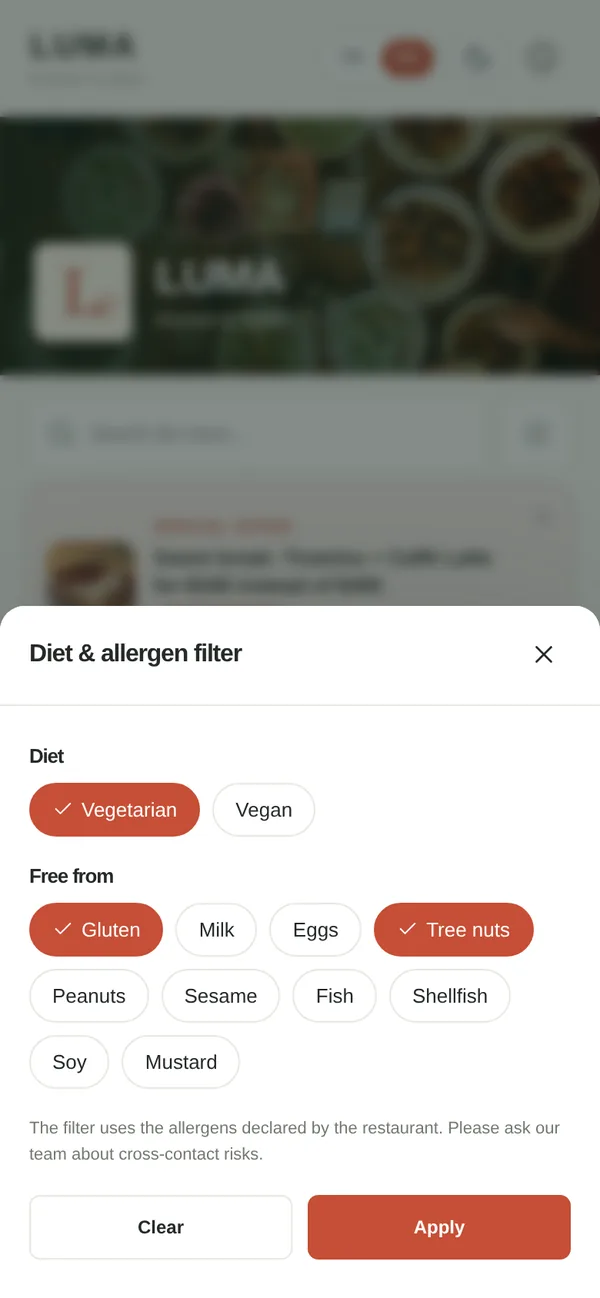
  • Allergen and diet filterCustomers filter the menu by dietary preference and the allergens they want to avoid, for example to see vegetarian items or items without gluten or milk.
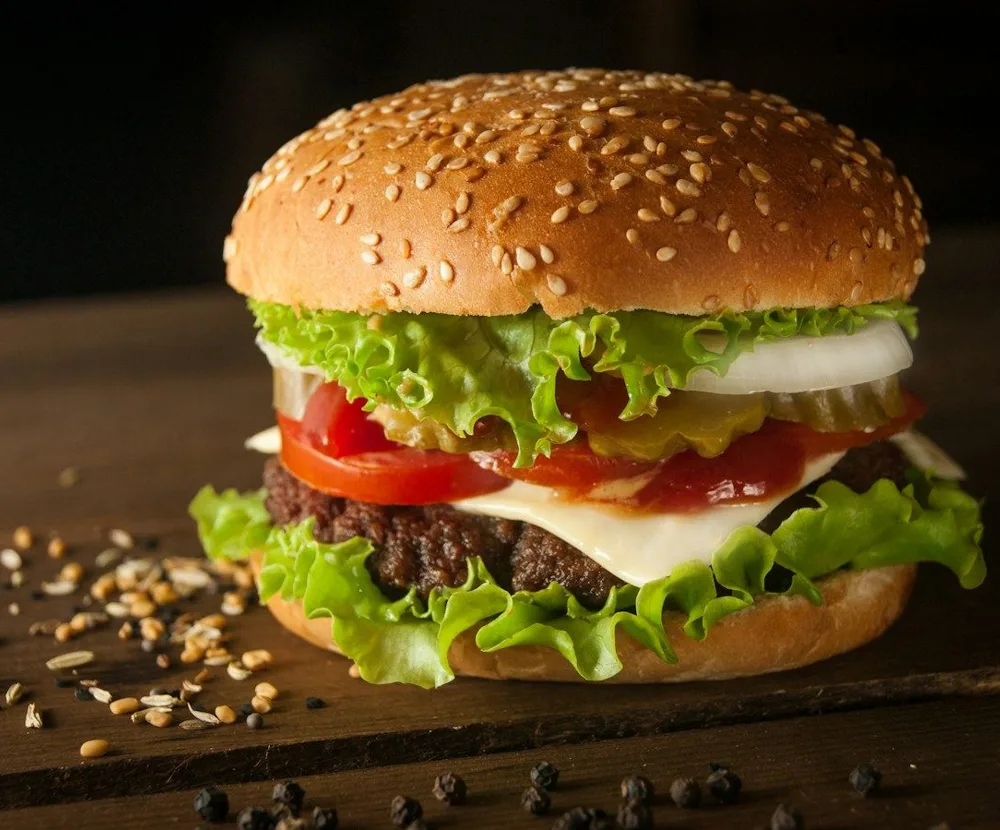
  • “Goes well with” suggestionsWhile looking at a burger, customers see a suggestion for fries or a drink.
  • The menu in their own languageTurkish, English, German, Russian; languages depend on the plan.

The filter works from the ingredient and allergen information your business enters and approves; the menu also tells customers with allergies to check with your team before ordering.

Open the LUMA sample menu
Business panel

When prices change,
your menu keeps up.

Update a single item or a whole category; check the new prices and save. The QR code stays the same.

  • Bulk price updatesFor the whole menu or one category, by percentage or in lira; you preview the new prices, then confirm.
  • Change historyEvery price change is logged with the date and the person who made it.
  • Temporarily unavailableSwitch off a sold-out item without deleting it; the menu shows “Not available today”.
For table service

See every table request on one screen.

Customers who scan the QR code on the table card can call the waiter or ask for the bill. Your team sees the request with the table number, and a sound plays for each new one.

No extra device needed: keep the panel open at the till, on a tablet or a phone. Orders and payment continue the way you always serve.

Details

Explore all the features.

What’s in the customer menu and the business panel? Pick a feature to see it on screen.

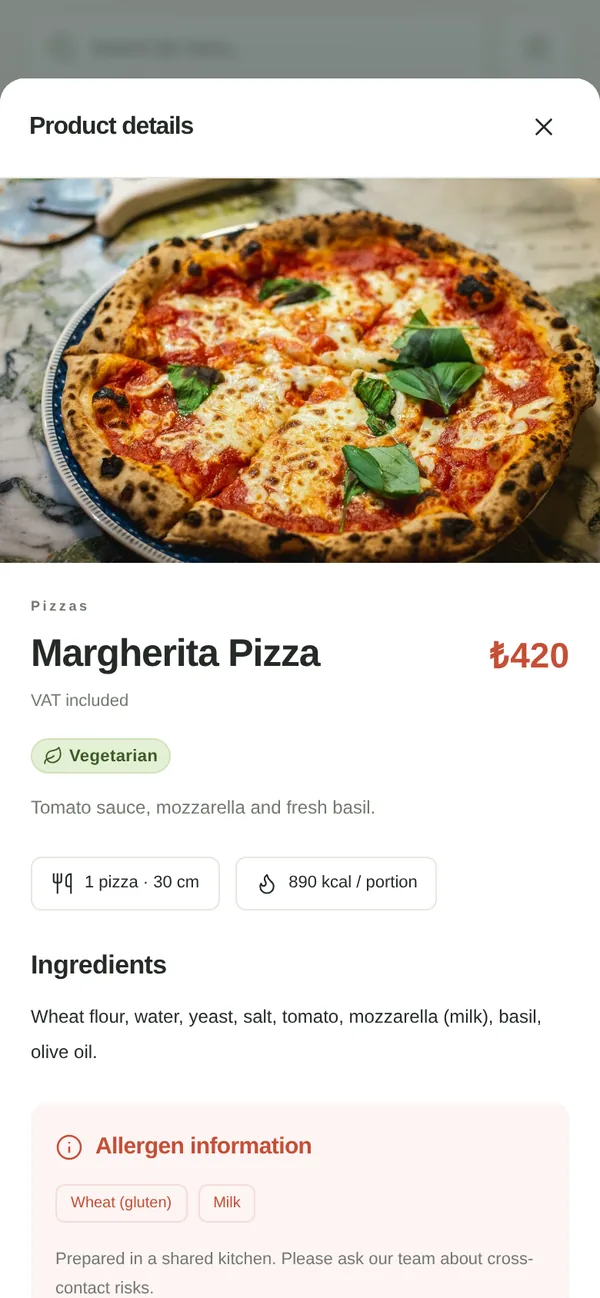
  1. Customers tap an item and see its photo, price, ingredients, allergens and portion on one screen. If you add calories, they are shown too.

    Item details with photos

Also Excel import and export · drag-and-drop ordering · time-based categories · branded with your logo, colour and cover

New menu rules in Türkiye

Make getting ready for the new menu rules easier.

Manage the ingredients, allergens and energy values of your items in one panel. See what’s missing and show it to customers in your menu.

  • Ingredients31 December 2026Already required for national chains since 1 July 2026
  • AllergensAlready required14 allergens
  • Calories31 December 2027Single-branch businesses; earlier for chains and multi-branch businesses
  • Check the dates for your business
Photo shoot

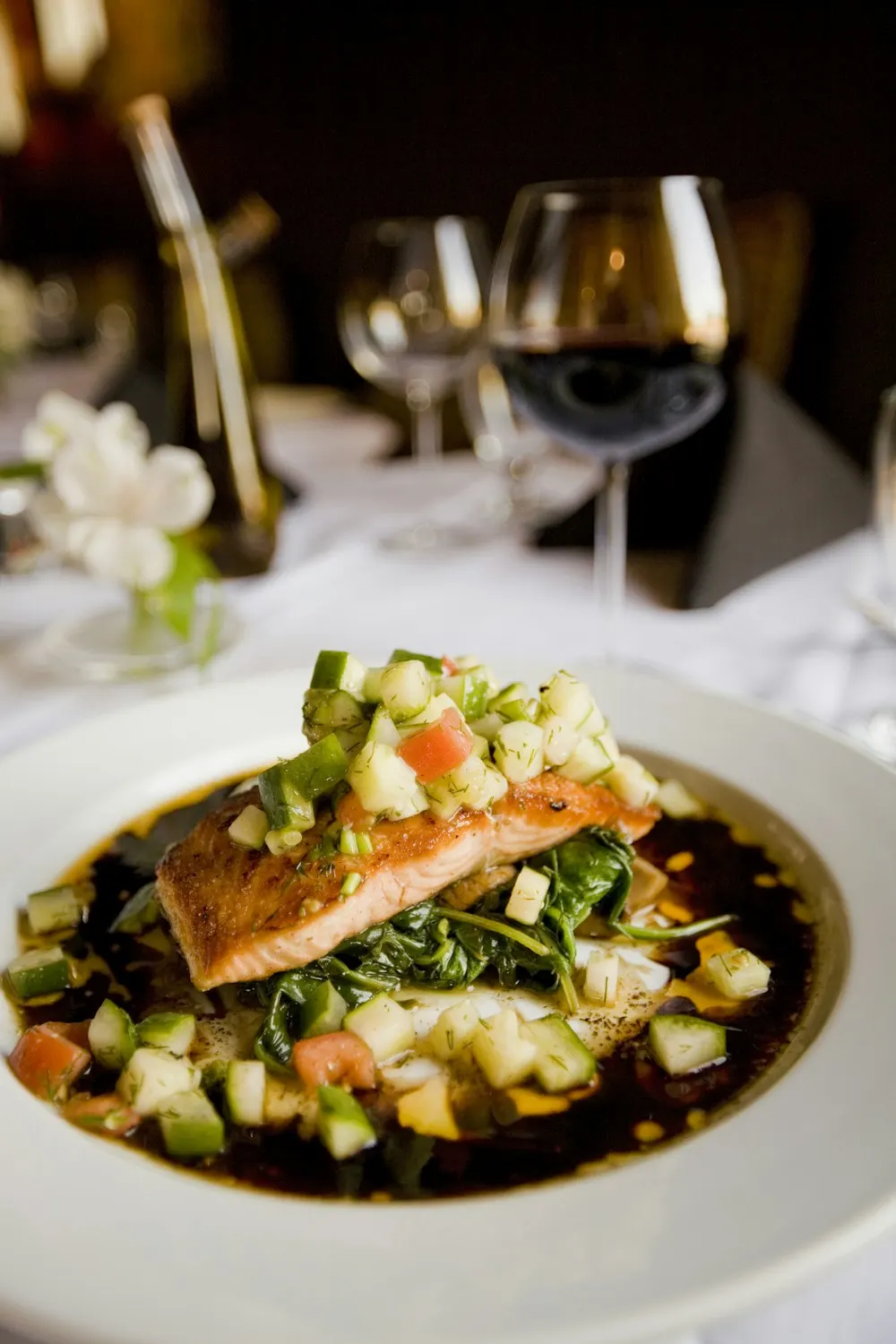
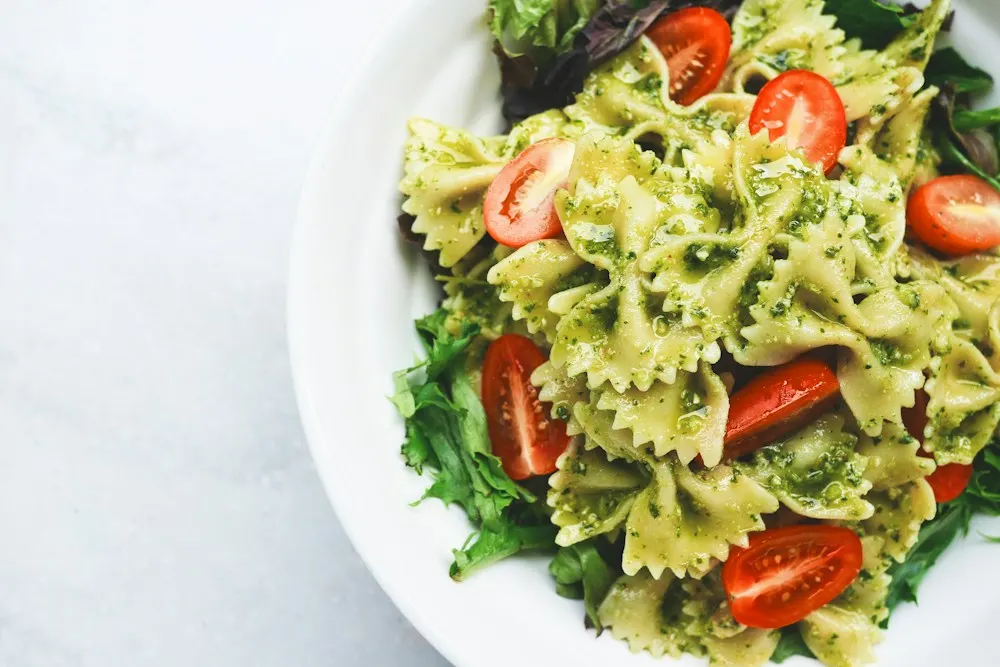
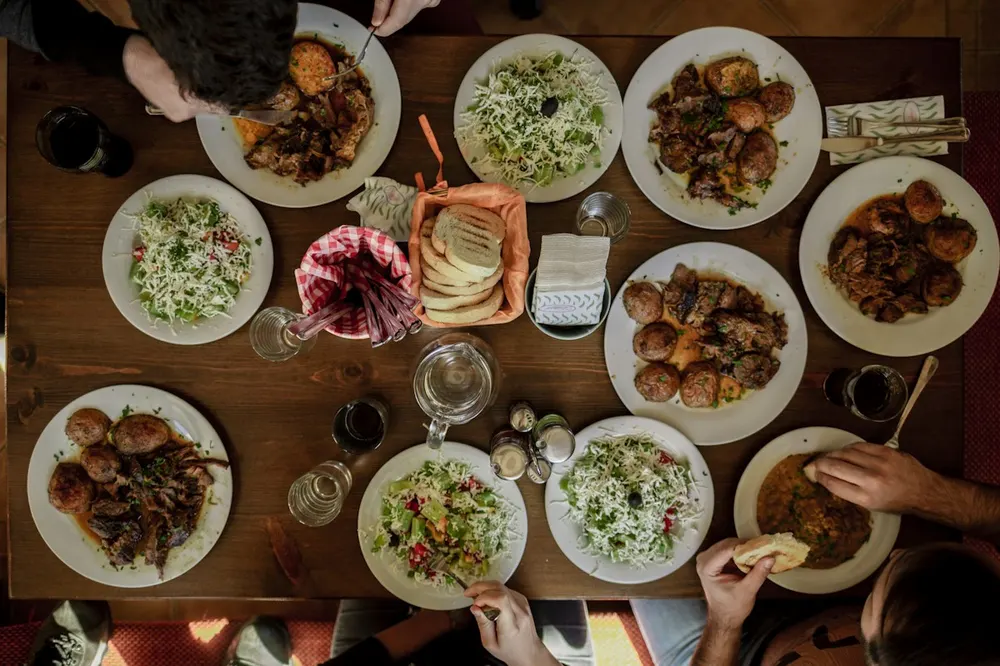
Let’s create photos that make people hungry.

Use your own photos or get help from our team with a food shoot. We prepare your dishes for the camera, style the presentation, take the photos and place them in your menu.

Premium: 1 shoot a year · up to 30 items

Reels, video and social media management are separate Digidodo services; we prepare a separate quote for them.

Sample restaurant presentation

From your current menu to a digital menu.

  1. 01
    Send us your menuItems, prices, ingredients and any photos you have. PDF, photo or Excel is fine.
  2. 02
    Set up your menu, or leave it to usOn the Digital plan you enter it in the panel yourself. Our team prepares it within 2–3 business days on Professional, or 5–7 business days after the shoot on Premium, and you approve it.
  3. 03
    Use your QR codeOn tables, at the entrance, on Instagram and your Google profile.

How would you like to set up your menu?

Paid yearly, no commission. Prices exclude VAT. No automatic renewal; renewal and refund terms.

Digital

Add your items and manage your menu yourself.

₺2,990/ year + VAT

Paid yearly in advance; about ₺249 a month

  • Up to 50 items
  • Menu in Turkish
  • You add the items, photos and prices
  • Email support

Your menu is live as soon as you add your items.

Get in touch

Premium

Shoot included

We’ll build your menu with professional photos and ongoing content support.

₺22,900/ year + VAT

Paid yearly in advance; about ₺1,908 a month

  • Unlimited items; our team sets up to 150 items for you
  • One photo shoot a year (up to 30 items)
  • Edited photos delivered to you as files
  • 4 languages: Turkish, English, German, Russian; translated by us
  • One content update every month
  • A single point of contact throughout

Travel within Istanbul is included; travel outside Istanbul is quoted separately. Your menu is ready within 5–7 business days once the shoot is done and we have your information.

Get in touch
Compare all plan details
Digital₺2,990 / yearProfessional₺9,900 / yearPremium₺22,900 / year
Who sets up the menu?On Premium, setup beyond 150 items is quoted separatelyYouDigidodo teamDigidodo team (up to 150 items)
Time until your menu is readyOnce we have your materials; on Premium, once the shoot is doneLive as you add items2–3 business days5–7 business days
Number of itemsUp to 50Up to 100Unlimited
Menu languagesTurkishTurkish + EnglishTurkish, English, German, Russian
Translation—Done by our teamDone by our team
Photo shootYou can use your own photos for items that aren’t shotAdd-onAdd-on1 shoot a year, up to 30 items
Edited photos delivered as filesHigh resolution; you can use them on social media too——
Content updates by our teamOne update is a list of changes you send in one go: prices, adding and removing items, descriptions and photos—4 a year1 a month
You update prices yourself
Shared management toolsBulk price updates, price history, Excel import/export, Google review link, campaign announcements, interest statistics and the menu tools for your sector
QR code and printable price list
Branded QR card designA print-ready file; printing and stands are not included, ask us for a quote—
SupportEmailPriority WhatsAppSingle point of contact
Add-ons
  • Photo shoot₺15,000 + VATUp to 30 items; includes preparation, editing, placing the photos in your menu and delivering them to you as files. Travel within Istanbul included.
  • Menu setup₺4,500 + VATFor the Digital plan: our team enters up to 50 items.
  • Extra language₺1,500 + VAT / yearA new language for your menu, translated by us.
  • Printed QR cards and standsAsk for a quoteWe quote table cards, stands or sticker printing by quantity and model.
  • Additional branch25–50% offSecond and further branches get 25% to 50% off, depending on the number of branches.

Questions you may have.

What do I need to send to set up my menu?

Your current menu (PDF, photo or Excel), your prices, any item photos you have, your logo and the ingredients of each item. On the Professional and Premium plans our team builds the menu from these; on the Digital plan you enter it in the panel yourself or upload it in bulk from Excel.

How soon will my menu be ready?

On the Digital plan your menu is live as soon as you add your items. On the Professional plan your menu is ready within 2–3 business days once we have your current menu and prices. On Premium it takes 5–7 business days once the shoot is done and we have your information. We send your menu for your approval before it goes live.

Can I use my existing photos?

Yes. You can use your own photos on every plan. A new food shoot is included in Premium and can be added to the other plans.

What does the photo shoot in the Premium plan include?

A photo shoot of up to 30 items: preparation, the shoot, editing and placing the photos in your menu are included. Travel within Istanbul is included; travel outside Istanbul is quoted separately. The edited photos are delivered to you as high-resolution files, and you can use them on social media too. For items or services that aren’t shot, you can use your own photos or ask for an extra shoot. Reels, video and social media management are separate Digidodo services; we prepare a separate quote for them.

Who prepares the allergen information?

On the Professional and Premium plans our team enters ingredients and allergens from your recipes; you provide and approve the information. The panel suggests possible allergens from the ingredients and creates a printable allergen table.

Which device do I use to follow waiter calls?

No extra device is needed. Just keep the business panel open on the computer at the till, a tablet or a phone; a new call appears on screen with the table number within a few seconds and a sound plays. No notifications are sent while the panel is closed.

Are printed table cards and stands included?

You can print QR table cards and the price list from the panel. On the Professional and Premium plans, your branded QR card design is delivered as a print-ready file. Printing and stands are not included in the plans; we can send you a quote by quantity and model.

Can customers order or pay online?

Digidodo Menu takes no commission on your sales; ordering and payment continue the way you already serve. Customers browse the menu and order from the waiter; they can call the waiter and ask for the bill from the table.

Do I need a new QR code when prices change?

No. You change prices in the panel and the menu updates right away. The QR code on the table stays the same.

Can I have time-based menus like breakfast or happy hour?

Yes. Give a category a time range; outside those hours the category is hidden or shown as “Not being served right now”.

Does it work for our hotel restaurant and room service?

Yes. You can open separate menus for the restaurant, bar and room service; for your hotel spa you can use the beauty and spa menu.

Which languages can the menu be shown in?

Turkish, English, German and Russian. The Digital plan includes Turkish, Professional includes Turkish and English, and Premium includes all four; our team does the translation and extra languages can be added. If the customer’s phone language is one of the languages switched on in your menu, the menu opens in that language; customers can also switch the language in the menu.

Does it meet the ingredient, allergen and calorie rule for menus in Türkiye?

Yes, it lets you provide the information the rule requires: ingredients as a required field, 14 allergens and an allergen table, a calorie calculator, the QR notice on table cards and price lists, and a printable information sheet for customers who can’t scan a QR code. The business is responsible for the accuracy of the information. Details and deadlines: menu.digidodo.net/en/menu-regulation

Does it meet the QR price list rule?

The panel creates a printable A4 price list with a QR code from your menu and keeps a history of price changes. Displaying the price list at the entrance and giving a printed copy on request is the business’s responsibility; see the announcements of the Turkish Ministry of Trade for current rules.
Do you also run a beauty or spa business? Beauty & Spa page

Let’s review your menu together.

Send us your current menu on WhatsApp; we’ll review it for free and tell you which plan fits and how long it takes.